
How to Track Contract Start Date, End Date and Renewal?
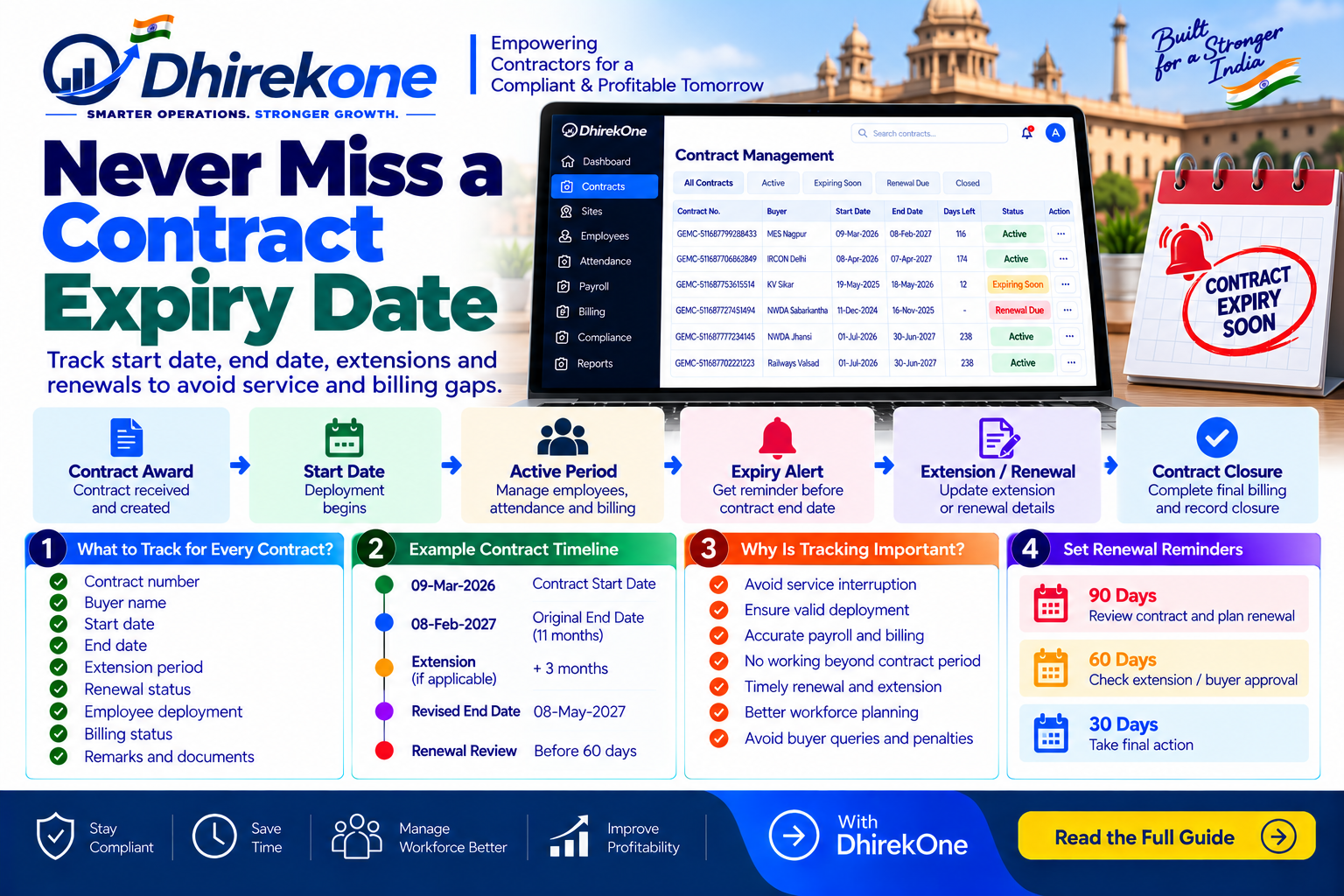
Government contractors should track every contract’s start date, end date, extension and renewal status. Missing an expiry date can affect deployment, payroll, billing and continuity of service.
In this article
ARTICLE CONTENT
How to Track Contract Start Date, End Date and Renewal?
Every Government contract should have a clear lifecycle.
Track:
- Contract start date
- Contract end date
- Extension period
- Renewal status
- Final billing date
- Employee deployment status
Simple Contract Timeline
Contract Award → Start Date → Active Period → Expiry Alert → Extension / Renewal → Contract Closure
Why Is This Important?
Missing the contract end date can cause:
- Employees working beyond contract period
- Payroll confusion
- Billing rejection
- Unapproved deployment
- Missed renewal
- Service interruption
Best Practice
Set alerts before expiry, for example:
90 Days → Review contract
60 Days → Check extension / renewal
30 Days → Final action
If Contract Is Extended
Do not overwrite the original end date.
Maintain:
Original Contract Period + Extension Period + Revised End Date
This keeps the contract history clear.
Conclusion
Contract expiry should be monitored just like payroll and billing.
DhirekOne helps contractors track contract periods, extensions, renewals, deployment and billing from one connected dashboard.