
How to Manage Employee Deployment Across Multiple Contract Sites?
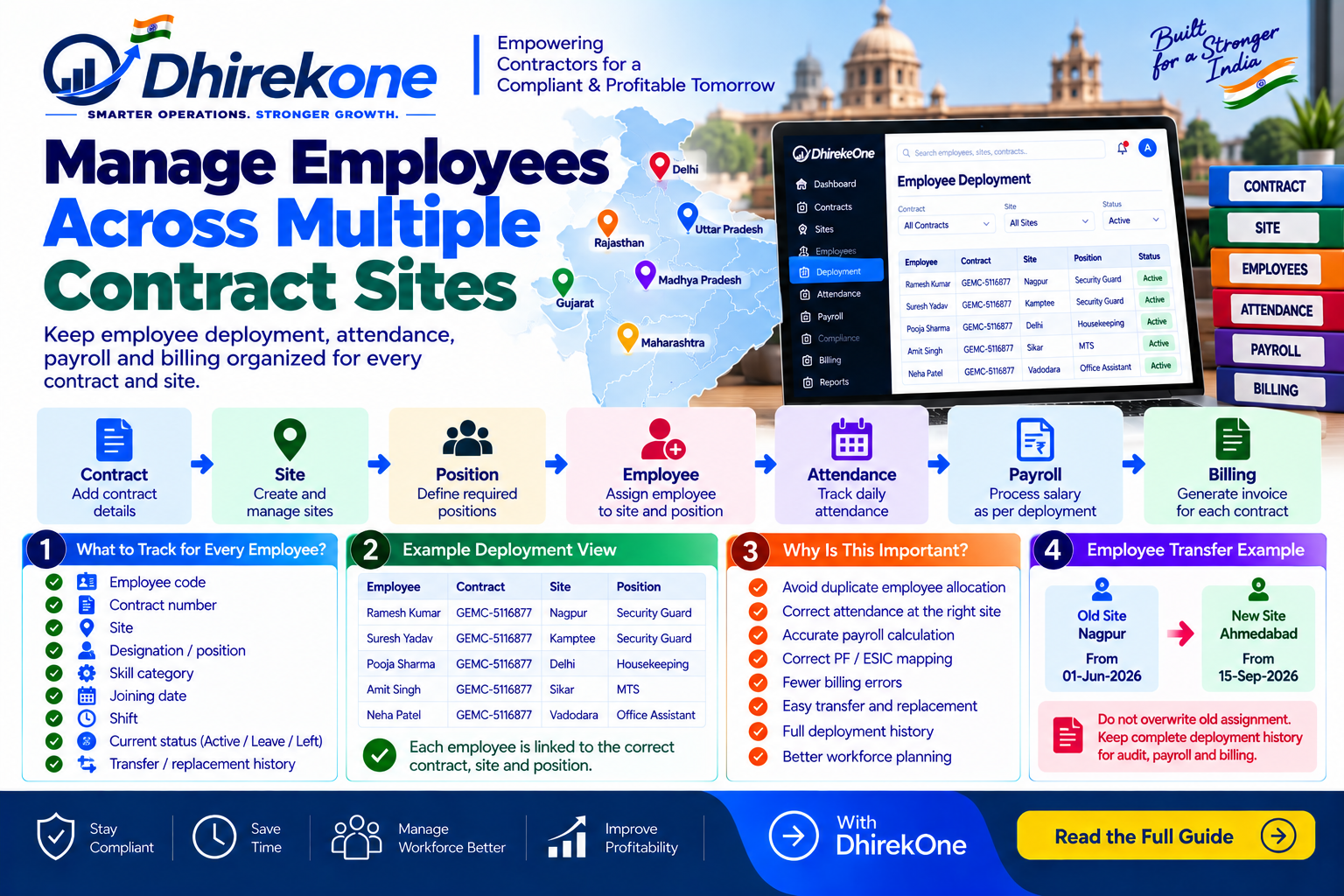
When employees work across different Government contracts and sites, deployment should be tracked contract-wise and site-wise. This helps avoid duplicate allocation, attendance errors, payroll mismatch and billing problems.
In this article
ARTICLE CONTENT
How to Manage Employee Deployment Across Multiple Contract Sites?
Each employee should be linked to the correct:
- Contract
- Site
- Position
- Joining date
- Shift
- Attendance
- Payroll
Simple Deployment Flow
Contract → Site → Required Position → Employee Assigned → Attendance → Payroll → Billing
What Should You Track?
For every employee:
- Employee code
- Contract number
- Site
- Designation
- Skill category
- Joining date
- Shift
- Current status
- Transfer / replacement history
Why Is This Important?
Poor deployment tracking can cause:
- Same employee assigned twice
- Wrong-site attendance
- Payroll mismatch
- Incorrect PF / ESIC mapping
- Billing errors
- Short deployment at site
What If an Employee Moves to Another Site?
Do not overwrite the old assignment.
Record:
Old Site → Transfer Date → New Site
This preserves deployment history.
Conclusion
Employee deployment should remain connected with contract, site, attendance and payroll.
DhirekOne helps contractors manage contract-wise and site-wise employee deployment from one connected workflow.