
How to Manage Multiple Government Contracts from One Dashboard?
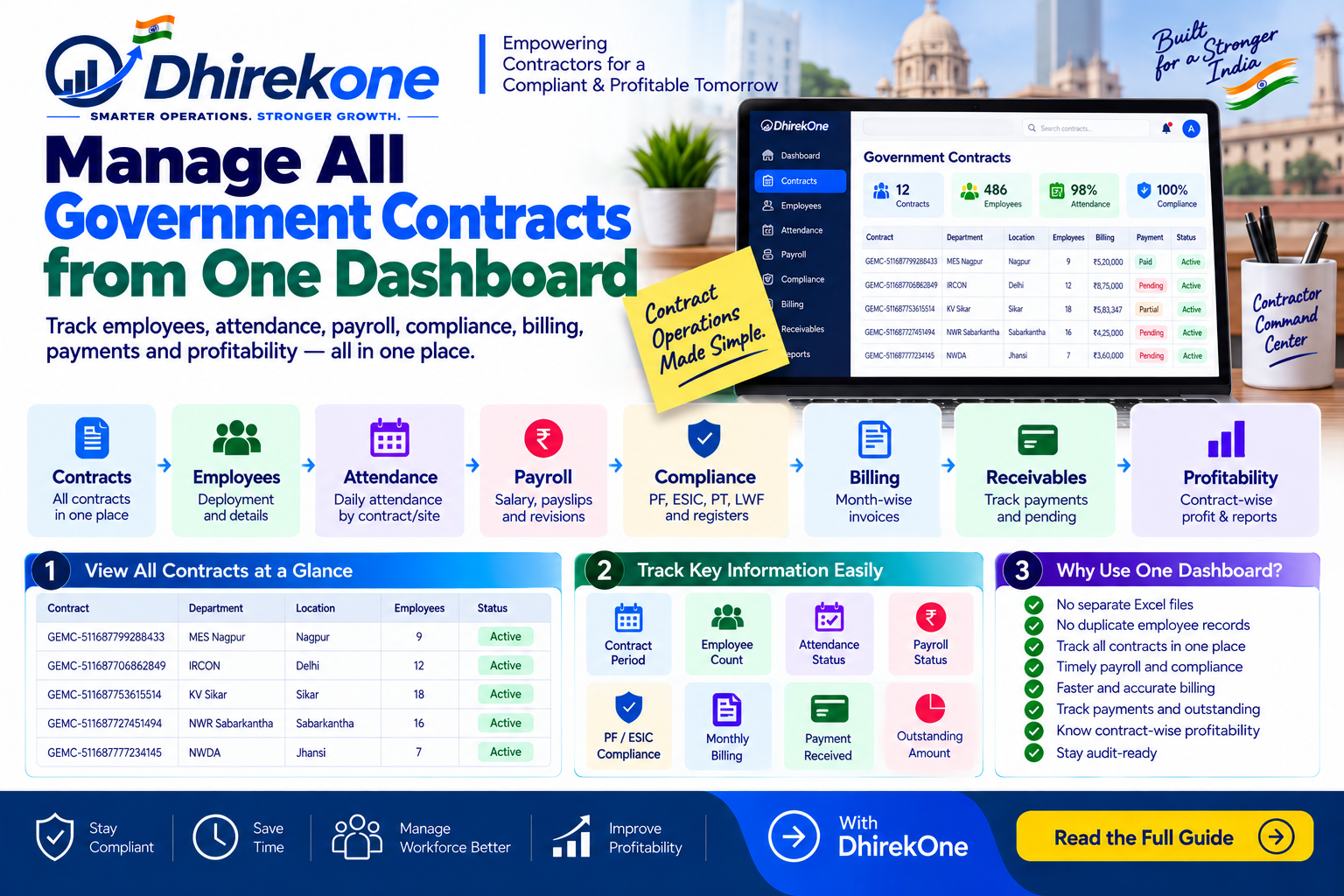
Managing many Government contracts through separate Excel sheets, WhatsApp chats and files creates mistakes and delays. A single contract dashboard helps contractors track employees, attendance, payroll, compliance, billing, receivables and profitability contract-wise.
In this article
ARTICLE CONTENT
How to Manage Multiple Government Contracts from One Dashboard?
Managing one contract is easy.
Managing 10, 20 or 50 contracts through separate Excel files can become difficult.
A contractor should be able to see every contract from one dashboard.
What Should the Dashboard Show?
For each contract:
- Buyer / Department
- Contract number
- Start and end date
- Work location
- Employee deployment
- Attendance
- Payroll
- PF / ESIC
- Compliance status
- Monthly billing
- Payment received
- Outstanding amount
- Contract profitability
Simple Workflow
Tender → Contract → Site → Employees → Attendance → Payroll → Compliance → Billing → Payment
All information should remain linked to the same contract.
Why Is This Better Than Excel?
Separate files can create:
- Duplicate employee records
- Missed contract expiry dates
- Attendance mismatch
- Payroll errors
- Missing compliance documents
- Billing delays
- Untracked payments
A central dashboard gives better visibility.
Important
Contract management should not end after award.
Every contract should be monitored for:
✅ Deployment
✅ Payroll
✅ Compliance
✅ Billing
✅ Receivables
✅ Profitability
Conclusion
A Government contractor needs one place to understand what is happening across all contracts.
DhirekOne connects contracts, employees, attendance, payroll, compliance, billing and receivables in one Contractor Command Center.