
How to Transfer an Employee from One Contract Site to Another?
Employee transfers should be recorded with the correct transfer date, old site, new site and position. This keeps attendance, payroll, PF/ESIC and billing linked to the right contract and site.
In this article
ARTICLE CONTENT
How to Transfer an Employee from One Contract Site to Another?
Do not overwrite the employee’s old deployment.
Maintain a proper transfer record.
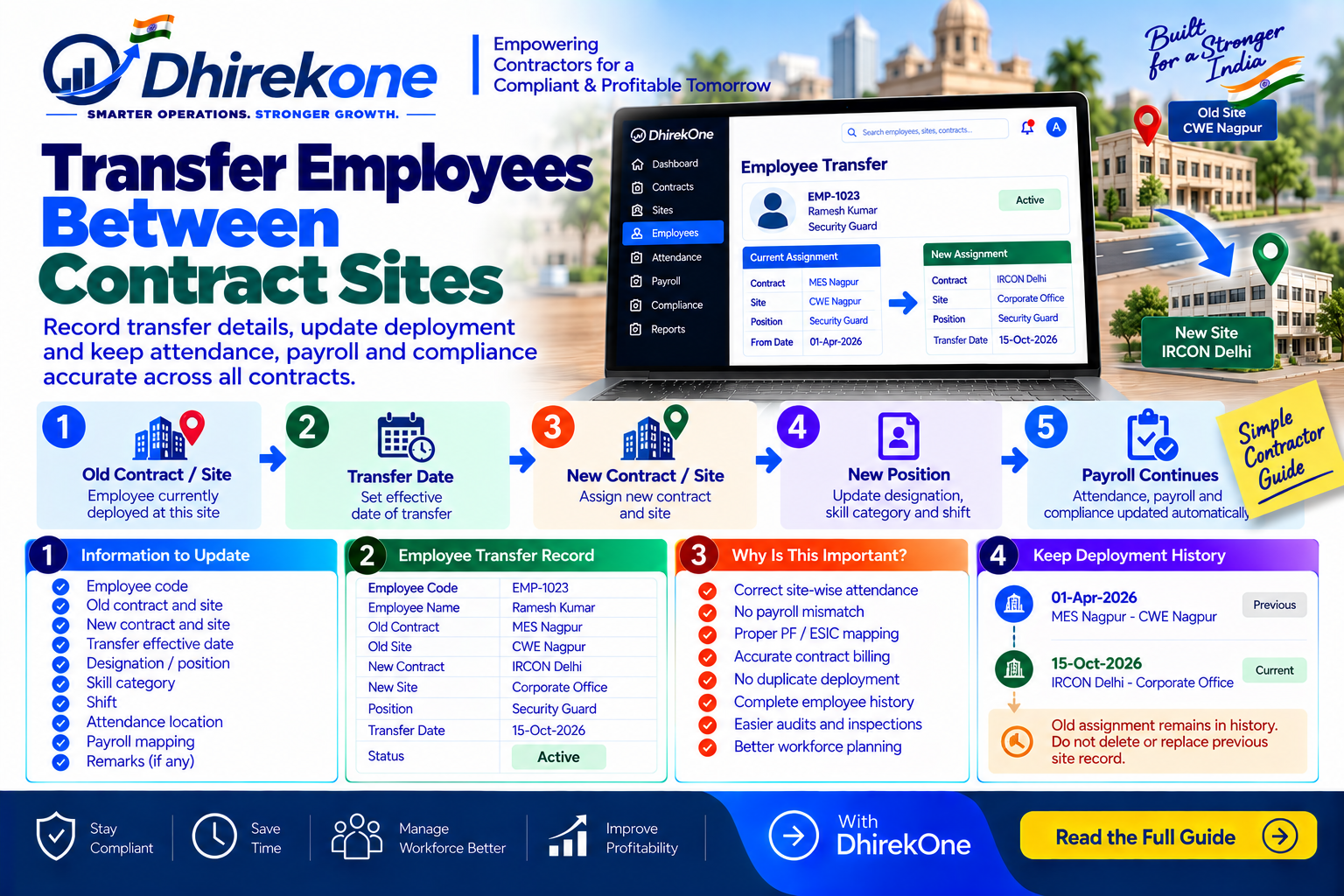
Simple Transfer Flow
Old Contract / Site → Transfer Date → New Contract / Site → New Position → Attendance Updated → Payroll Continues
What Should Be Updated?
Record:
- Employee code
- Old contract and site
- New contract and site
- Transfer effective date
- Designation / position
- Skill category
- Shift
- Attendance location
- Payroll mapping
Why Is This Important?
Incorrect transfer records can cause:
- Wrong-site attendance
- Payroll mismatch
- PF / ESIC mapping errors
- Billing problems
- Duplicate deployment
- Audit issues
Important
Keep:
Old Assignment History + New Assignment Record
Do not delete or replace the previous site record.
Conclusion
A proper employee transfer keeps deployment history accurate while allowing payroll and attendance to continue correctly.
DhirekOne helps contractors manage employee transfers contract-wise and site-wise with a complete historical trail.